


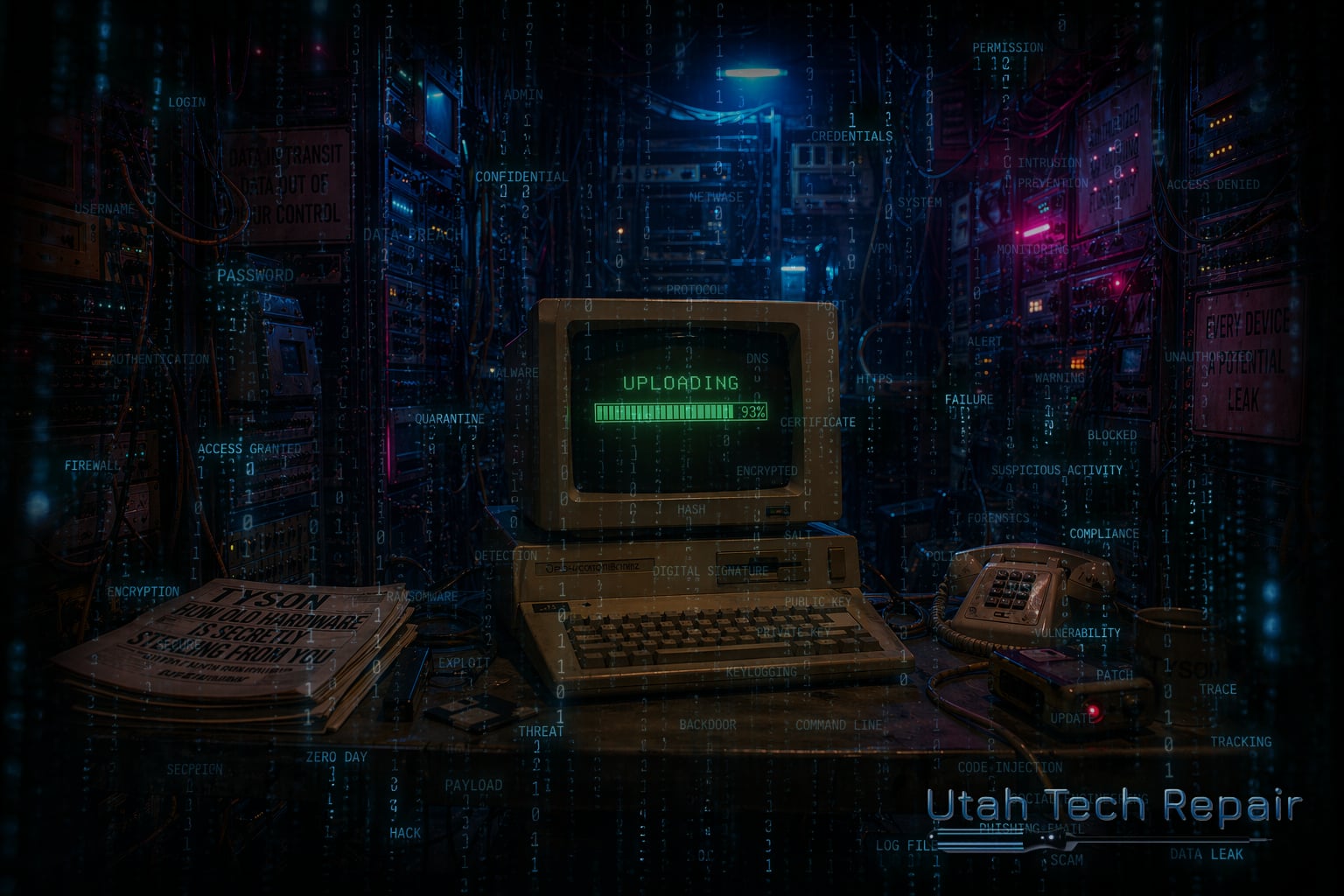
Your Hardware is Silently Stealing From You
Your Hardware Is Silently Stealing From You
Written by Tyson Wilcox
The year is 2018, and you just got the money allocated to buy brand new computers for your entire office staff. You took the time to research the needs of your employees, you consulted with IT professionals, and you negotiated great rates with your favorite computer supplier. When the computers arrived, you arranged to have your IT team on site and ready to assist with proper setup and data migration, and everything went off without a hitch. Your whole office staff gained a massive morale boost and productivity was clearly up. These machines are exactly what your staff needed to get their jobs done.
Fast-forward to today. It's now 2026 and your users are still plugging away on those "perfect" computers that gave your team such a high productivity boost, but things feel different now. The computers are simply the norm. Everyone has one, they've learned all of their little quirks, and everything seems to remain stable. What's hiding under the hood, however, tells a different story. Things only appear normal because they're familiar, but the reality is your computers are siphoning away dollars and productivity that you aren't budgeting for.
Let's take a step back for just a minute to fully define what we're talking about here. What exactly do we mean when we talk about old hardware? Old hardware takes many forms, but for the sake of this article, we'll focus on:
- End-of-life computers and laptops
- Legacy network infrastructure (switches, firewalls, access points, routers)
- Aging servers and on-prem systems patched beyond their intended lifespan
- Printers held together by tribal knowledge and spare parts
- Camera and security systems running deprecated firmware
If there's a device in use within your organization that requires special exceptions, workarounds, or institutional memory to keep it functioning, it qualifies as "old hardware."
To be clear, there are always edge cases. Companies have mission critical systems that do not have a replacement path, there are regulated environments with mandated hardware requirements, and sometimes you have organizations that are running on such a lean budget they can't afford upgrades at this time. Those are all legitimate situations, and all are worthy of a separate conversation. This post, though, is focused on organizations that could replace old hardware, but choose not to.
The Myth: "It Still Works"
There's a common myth in the business world that if something still works, there's no need to replace it. It feels responsible and appeals to the frugal nature of the business leader, but it's incomplete. It is important to remember that functionality is not the same as suitability. Just because a system is still working doesn't mean that it is still efficient. It isn't a question of whether the device works, but rather what is it costing you to keep it working?
Cost 1: Productivity Drain Disguised as Normal
Old computers seldom just stop working. Instead, they slow down. And that slowing is gradual, and often hard to notice when you're on the same system every day, but there are clear signs. If your computer is experiencing any of the following:
- Longer boot times
- Lag during file access
- Crashes that "happen sometimes"
- Applications that used to be instant and now stall
Then you are experiencing productivity drain due to aging hardware. None of these, on their own, is a catastrophic issue, but small things add up to big expenses over time. When your employees have to stop their work to wait for a file to open, or for their computer to reboot, or otherwise need to find a way to work around their technology, they are being taxed, and your budget foots the bill. The problem is that this tax is invisible because it's become normal. No one is documenting the time they spent waiting for Outlook to open, but they're all experiencing it, and that time is money out the door.
Cost 2: Security Risk You've Normalized
Slow systems are a burden, sure, but what about systems that aren't running slow, they just aren't being supported anymore? When firmware updates stop rolling in, you can no longer say you know what that system is doing. So where do security systems apply? Commonly overlooked systems that can result in security risks to your organization include:
- Legacy firewalls with known vulnerabilities
- Camera systems exposed to the Internet on outdated protocols
- Servers running operating systems no longer receiving security patches
- Printers with embedded firmware older than some of your staff.
These are your quiet risks. There are no big warning buzzers or notifications that tell you there's a problem, they just sit quietly and keep working as they've been programmed, vulnerabilities and all. Criminals are out there hoping you continue to tell yourself that system has been fine for years. Unfortunately, "fine" is not a security control.
Cost 3: Staff Resentment and Learned Helplessness
I remember starting a new job years ago as the IT technician at a site. As I'm introducing myself to the people working at the office, there was a distinct air of indifference to my presence. It wasn't that the employees weren't happy to have a new IT person, it was that they didn't believe there would be any changes or improvements, because there never had been to that point in time. Ultimately, the employees had adapted to the issues they were encountering at the workplace, but you could feel resentment towards all things technology.
When employees are expected to produce results with outdated infrastructure, you get one of three results:
- They work harder than necessary to compensate, leading to employee burnout
- They mentally check out and lower their own expectations, resulting in reduced overall performance
- They leave
None of these results improve performance. In many cases, they result in performance far below minimum standards. Often the message employees receive—intended or not—is that their time is less valuable than avoiding expense. That statement hurts morale, even when leadership never intended to extend such a message. In time, it drives employees to resent their role within the company and start to look elsewhere. Given enough time, people do learn to adapt. They learn the parts of the systems that are most likely to cause problems and find ways to avoid using those systems, even when those systems are required from a compliance perspective. At first, this looks like resilience and an ability to adapt and overcome, but in reality, it's company productivity slowly eroding.
Cost 4: IT Time Spent Preserving the Past
Outdated systems demand a disproportionate level of attention from your IT staff. They spend a greater portion of their time learning how to keep a legacy system operational and compatible with new protocols. They memorize boot sequences, learn what systems depend on each other, and the tiny little tricks that keep things moving. None of this ever makes it into documentation, and ultimately, your legacy systems are all relying on tribal knowledge that disappears when someone leaves. What's worse, time spent dealing with legacy systems is time not spent:
- Improving security posture
- Automating workflows
- Reducing complexity
- Supporting growth
You aren't saving money when skilled staff are babysitting hardware that should have been retired, you're pulling valuable resources away from improvement and feeding technical decay.
Cost 5: The False Economy of Deferred Replacement
Those new computers you bought back in 2018 seem like they're cheap to run. After all, you bought them in 2018, and here you are in 2026 still running them. It's easy to fall into the trap that every year you keep a computer running decreases the cost of ownership of the device. In a lot of things, that's an accurate point of view, but when problems arise, that story changes.
Your true costs show up in other ways:
- Emergency replacements instead of planned refreshes
- Rush shipping and downtime during failures
- Emergency consulting when no one remembers how it works
- Insurance, compliance, or audit exposure
In the end, deferred replacement doesn't eliminate cost, it removes choice. And lack of choices results in increased prices.
The Brutal Truth
Now is time for brutal honesty. If your organization relies on aging hardware by default rather than by necessity, you are already paying for replacement, you just aren't paying intentionally. Instead, you are paying in time, frustration, security exposure, staff morale, and operational risk. Unfortunately, none of this shows up on the monthly invoice.
What Can You Do
This article is not an argument for constant upgrades or a call to jump on the latest technology trend. This is an argument for deliberate stewardship. So what does responsible stewardship look like in a successful organization?
Responsible organizations:
- Define acceptable service life in advance
- Budget for replacement before failure
- Retire systems intentionally instead of emotionally
- Let go of tools that require heroics to survive
Keeping equipment beyond its designed lifespan is not virtue when it shifts the cost onto people instead of budgets.
Let Utah Tech Repair Help
At Utah Tech Repair, we have the expertise to help you retire your old hardware and modernize your technology stack. We understand the way technology works together, and we know the pitfalls companies experience. We will work with you and your budget to determine a path forward to reduce your technology debt and modernize your IT systems.
If you want professional assessment of your current situation and a clearly defined path forward, give us a call at (801) 979-6477 or email us at support@utahtechrepair.com to schedule a business review.